Import
Import from anywhere
Paste the link to a recipe page, or add a screenshot of a recipe from social media or a cookbook. Pomegranate pulls out just the ingredients and steps. Nothing else.
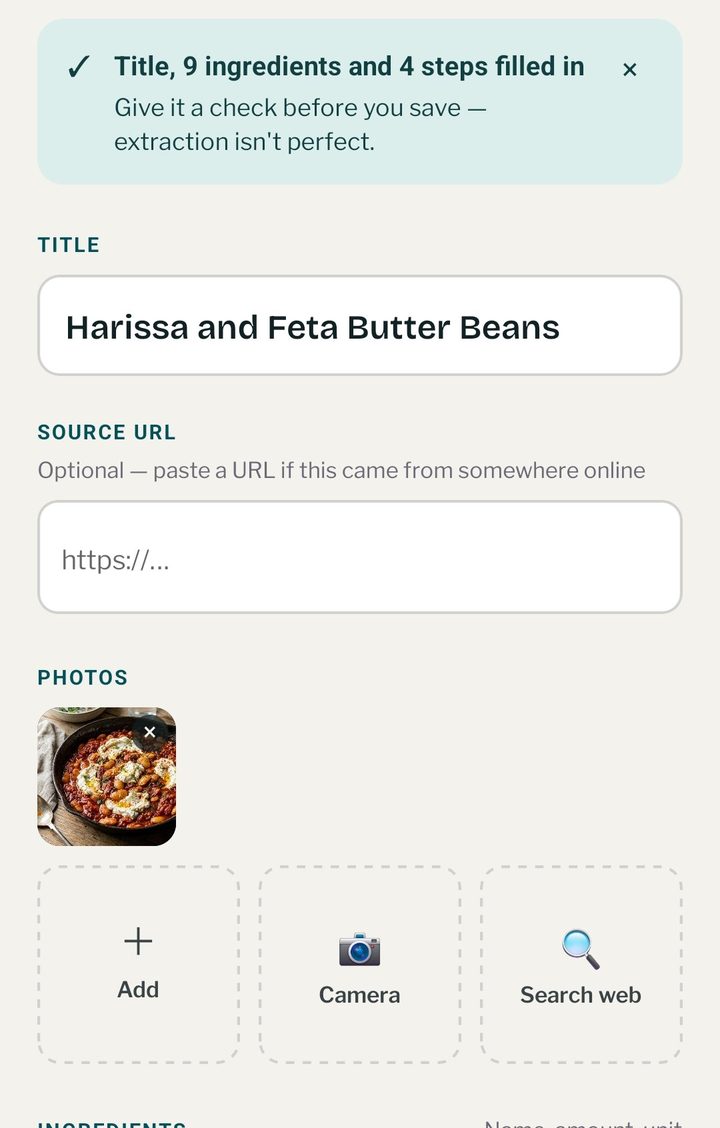

Pomegranate pulls recipes out of any web page or screenshot and keeps them all in one place. Plan a menu from your recipes and get a shopping list in a few taps. No scrolling past someone’s life story to find the ingredients.
What it does
Import
Paste the link to a recipe page, or add a screenshot of a recipe from social media or a cookbook. Pomegranate pulls out just the ingredients and steps. Nothing else.
Plan & shop
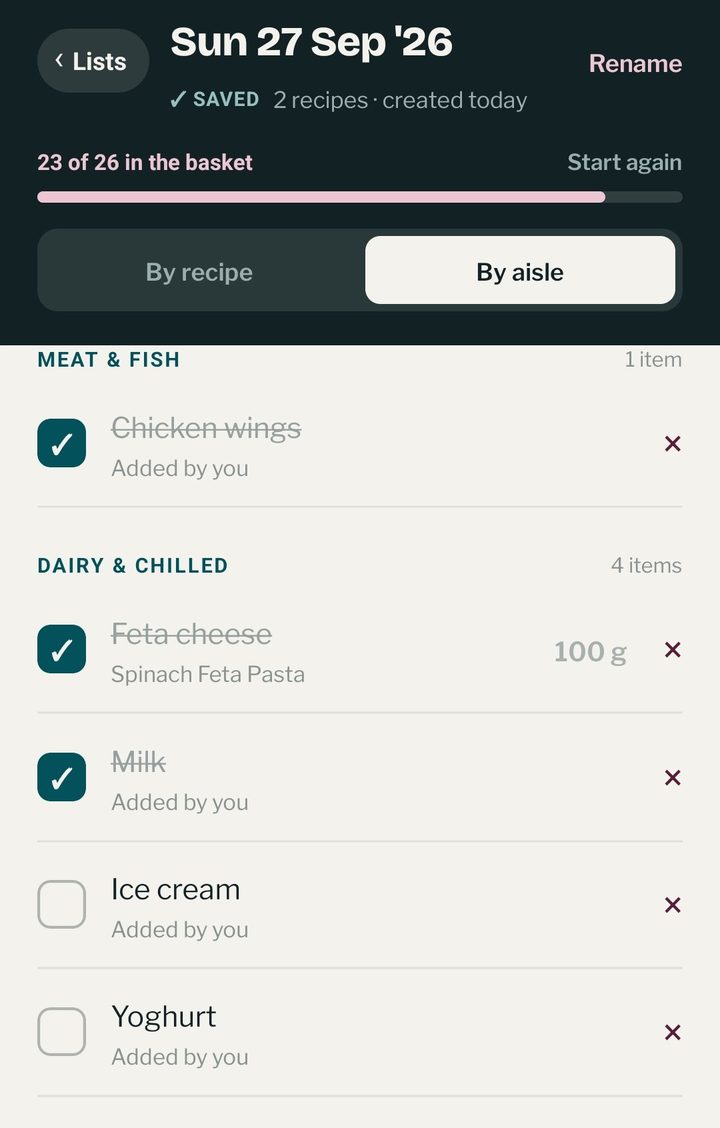
Pick recipes for the week and Pomegranate builds one shopping list, grouped by aisle. Share it with your partner to do the shop, or work from the same list together and tick things off as you go.
Cook
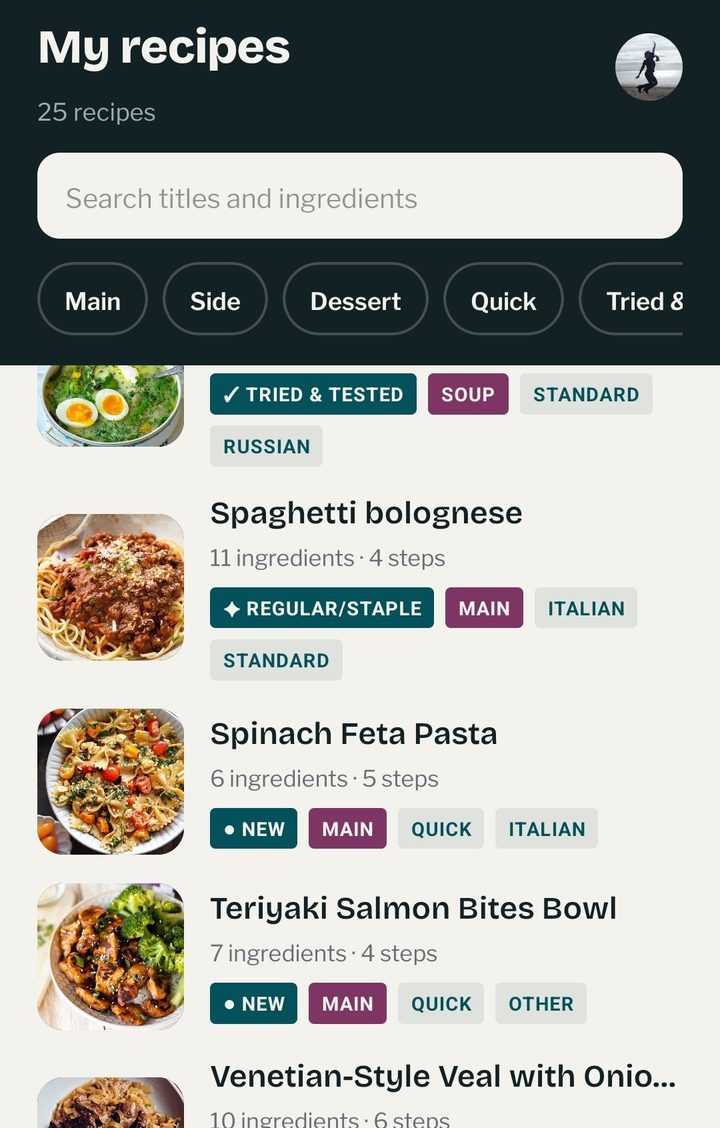
Search your saved recipes by ingredient to see what you can make with what’s in the fridge. Mark the winners Tried & Tested so they’re easy to find next time.

The name
Even a spoonful of arils adds a burst of color and tart-sweet flavor to almost anything you’re cooking, the same way one good recipe can lift a whole week of meals.
Cut one open and you’ll find hundreds of glistening arils packed together. Every recipe you save here is a little jewel too, worth keeping and worth coming back to.
Look closely and every pomegranate wears its own little crown. We think the recipes you treasure deserve the same royal treatment.